Issue(s):
- At the probe check on gSender, there is no continuity
- The bit is crashing into the touch plate or not stopping when making contact with the touchplate when trying to probe
Resolution:
Cutting Tool
- Either switch out the tool you are currently using, AND/OR directly touch the magnet to the touch plate. It's possible that the tool you are using is not conductive.
Hardware
- Check that the green connector is plugged in, and that the polarity is correct. The red wire should go into PRB and black wire should go into GND
- If you have a multimeter you can check the continuity between the banana clip and the connector, and the magnet and and the connector
- If you have good continuity with the wiring harness, make a jumper connector by placing a wire into both ends of a spare connector. Insert the jumper connector into the controller. Open gSender, begin the probing operation. You should get the green go ahead to begin. If there is no change, the port on the controller might be the issue.
Firmware
- In Config, under Probe, ensure the invert pin setting ($6) is correct for your specific board
SLB/SLB-EXT -- Invert Pin Setting = 1 or ON
LongBoard -- Invert Pin Setting = 0 or OFF - In Config, ensure the status report options setting ($10) = 511
- After saving these settings and power cycling the control board, check that the board is responding correctly - the PRB light should turn on when the magnet touches the probe
Arduino
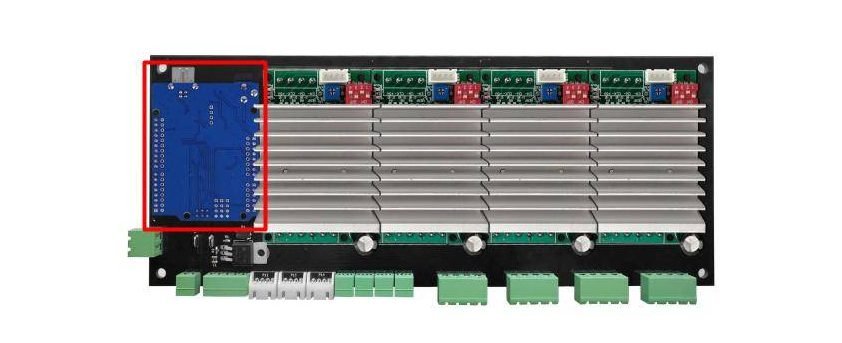
For the original LongBoard - make sure the Arduino is secured on your controller, otherwise many functions such as the probe may not work correctly.